
Most South Africans who work from home are sitting on the wrong chair at the wrong desk. After a year of it, their backs know it.
The shift to remote and hybrid work has been permanent for a large portion of the SA workforce. But the furniture most people use hasn’t kept up: a dining chair, a laptop on the kitchen table, a makeshift setup that works for an hour and destroys you over eight. This guide covers what an ergonomic home office actually requires, and the products that deliver it without turning your lounge into a corporate cubicle.
Why Ergonomics Matters More at Home Than in the Office
In a traditional office, facilities teams specify furniture to meet health and safety standards. At home, you’re on your own. The problem is cumulative: bad posture for eight hours a day, five days a week, compounds quickly into chronic back pain, neck strain, and reduced focus. A proper ergonomic setup isn’t a luxury. For anyone working full days from home, it’s a practical necessity.
The good news is that getting it right doesn’t require a full corporate fit-out. Two things make the biggest difference: a chair that supports your spine correctly, and a desk at the right height.
The Chair: What Ergonomic Actually Means
The word “ergonomic” is used loosely in furniture marketing. What it should mean: a chair that supports the natural curve of your lower back (lumbar support), allows your feet to rest flat on the floor with knees at 90 degrees, and doesn’t force your shoulders forward or upward. Height adjustability is non-negotiable. Fixed-height chairs can’t accommodate different body types or desk heights.
The Preston High Back Office Chair is the most complete option in the Chair Crazy range for all-day sitting. The high backrest supports the full length of the spine, critical for preventing upper back and neck strain during long video calls and focused work sessions. Adjustable seat height, armrests, and lumbar support mean you can dial in the fit rather than adapting your body to the chair.
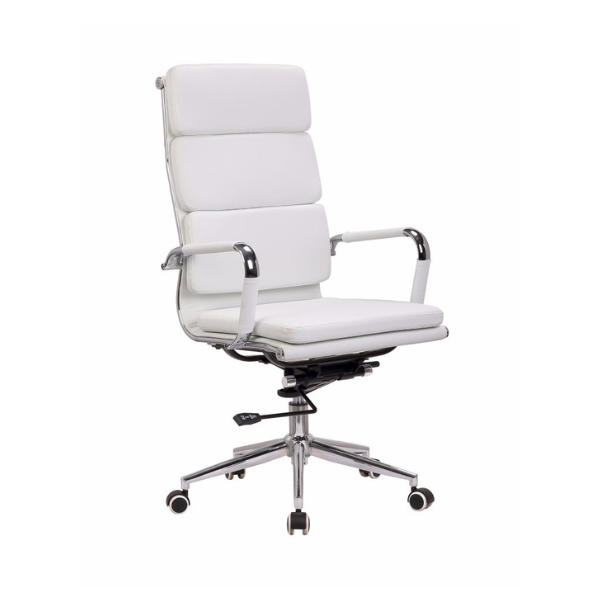
Preston High Back Office Chair: full spine support, fully adjustable
For a more compact profile that still delivers proper lumbar and seat support, the Chelsea Office Chair is a strong choice. It suits smaller home office spaces where a large executive chair would overwhelm the room, while still providing the adjustability needed for proper ergonomic positioning.
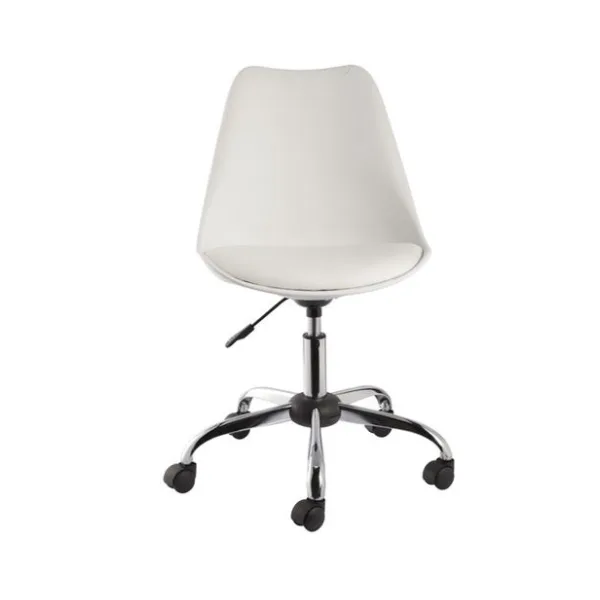
Chelsea Office Chair: compact, adjustable, home office ready
If your home office doubles as a guest room or the chair needs to look good in a living space as well as function as a work chair, the Lyric Office Chair bridges that gap. It has a contemporary aesthetic that works in residential settings while still delivering proper seat height adjustment and back support.
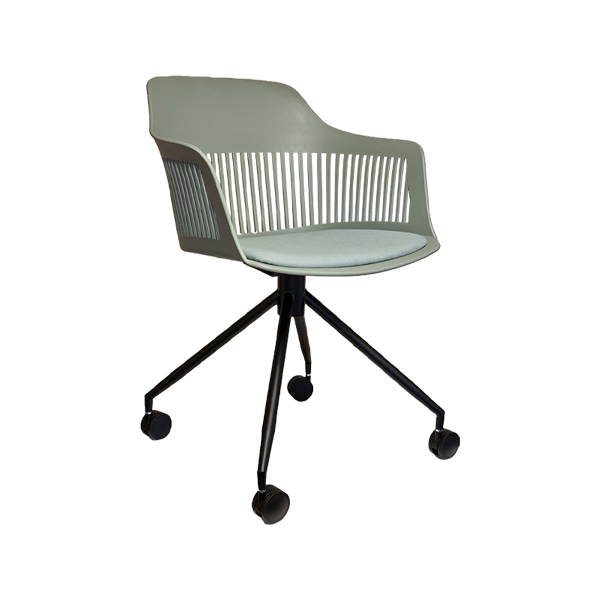
Lyric Office Chair: designed to work in residential spaces
The Desk: Getting the Height Right
Desk height is the foundation everything else builds on. The standard is: when sitting with correct posture in your chair, your elbows should be at roughly 90 degrees when your hands rest on the desk surface. For most adults this means a desk height of 72,76cm. If your desk is too low, you hunch. Too high, you raise your shoulders.
The Safron Desk is a clean, well-proportioned home office desk that works with the Chair Crazy office chair range. The profile is modern without being corporate. It sits comfortably in a bedroom, study, or open-plan living space without looking out of place.
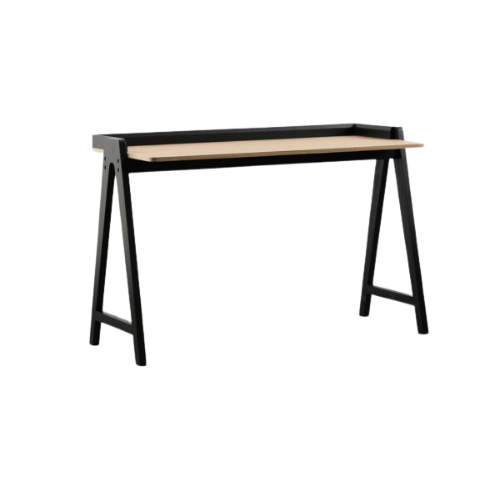
Safron Desk: clean profile, designed for residential home offices
Monitor Height and Screen Distance
Chair and desk are the foundation, but monitor placement is what determines whether you end the day with neck pain. Your monitor should be at eye level, meaning the top third of the screen is at eye height, not the bottom. If you’re working on a laptop, a separate monitor or a laptop stand is worth the investment. Laptop screens are almost always too low, forcing a downward head angle that loads the neck over time.
Screen distance: roughly an arm’s length from your eyes. Close enough to read comfortably without leaning forward; far enough that you’re not straining.
The Checklist: SA Home Office Ergonomics
Before you sit down tomorrow morning, run through this: feet flat on the floor or on a footrest; knees at roughly 90 degrees; lower back supported by the chair’s lumbar; elbows at desk height, not reaching up or down; monitor at eye level, about an arm’s length away; shoulders relaxed, not raised or rounded forward. If any of these are off, the chair or desk is the problem, not your posture.
Set Up Your Home Office Right
Visit us in person:
Cape Town: 176 Sir Lowry Road, Woodstock
Johannesburg: Unit 2, 64 Lechwe Street, Midrand
[email protected]